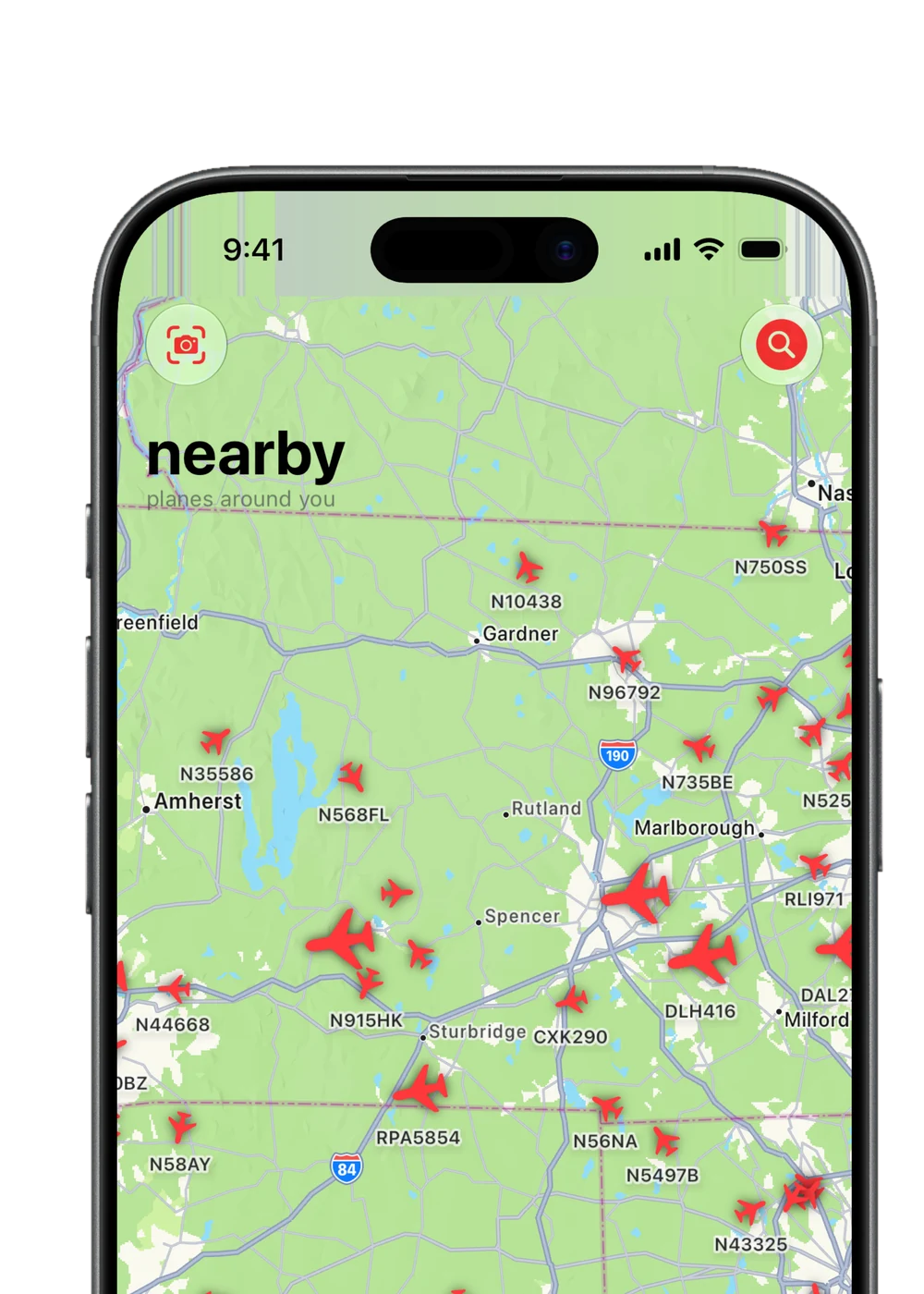
a simple map. easy to find what's around you, with every plane right where it is.
 get the app
minimalist, yet data packed privacy focused flight tracker for iOS 26+.
 (opens in new tab)
requires iOS 26.0 or later
Takeoff is not meant for safety-critical situations or navigation purposes. Use at your own risk. Data is provided as-is.
everything you need to know about the planes around you, and nothing you don't.
a simple map. easy to find what's around you, with every plane right where it is.
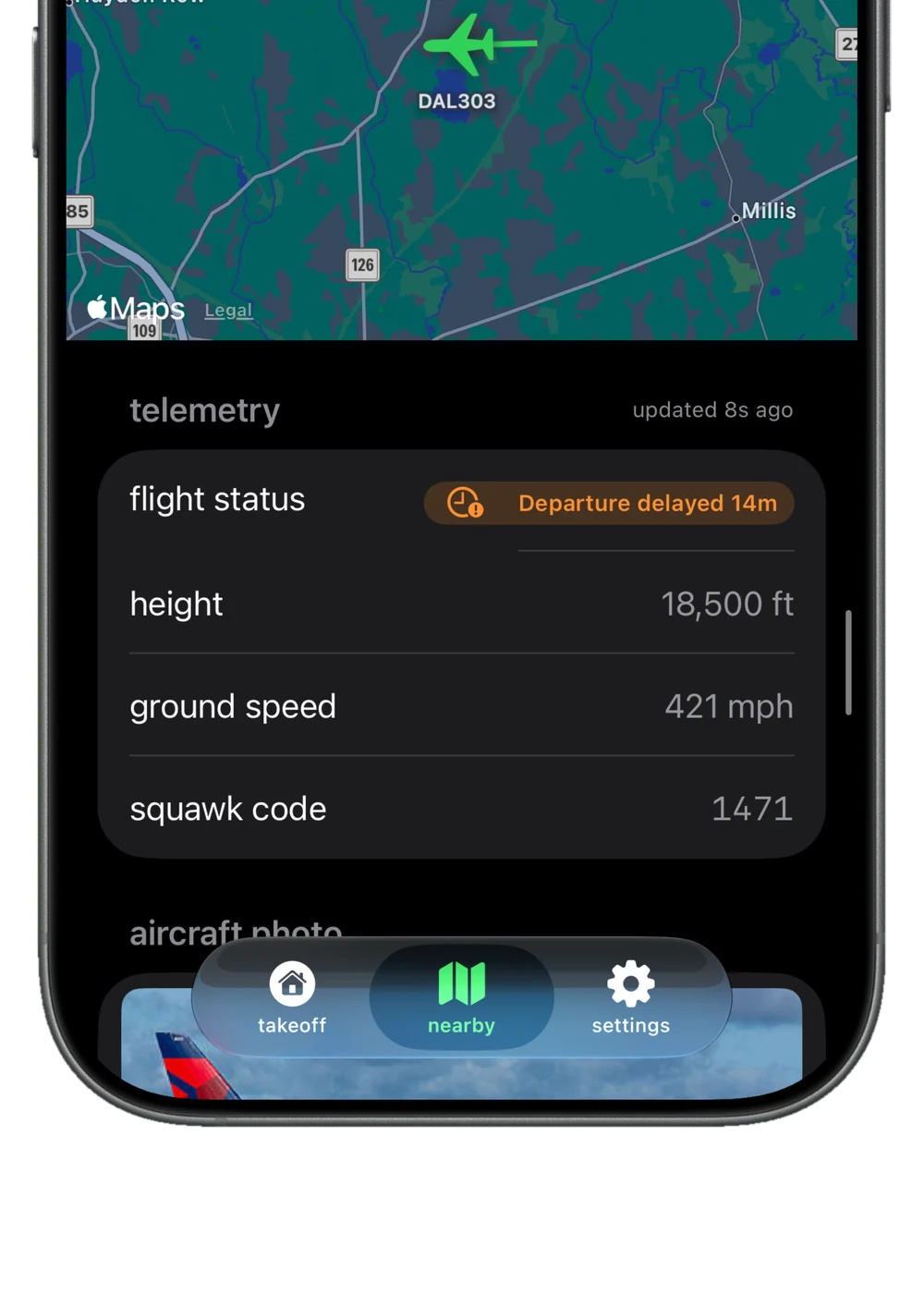
real telemetry. altitude, speed, squawk, and more, without needing to pay.
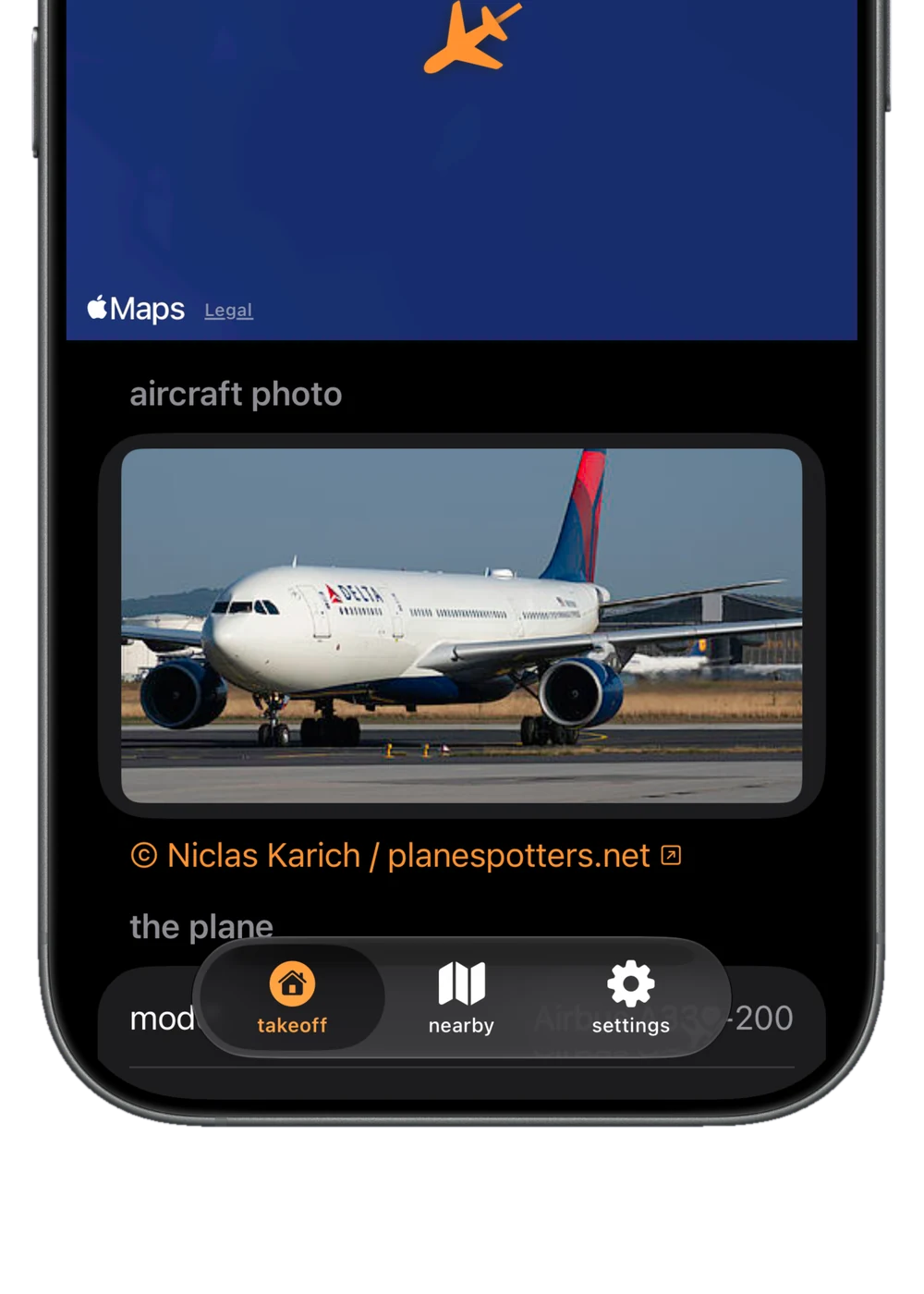
aircraft photos. see a cool photo of the plane without the need to look it up. powered by planespotters.net.
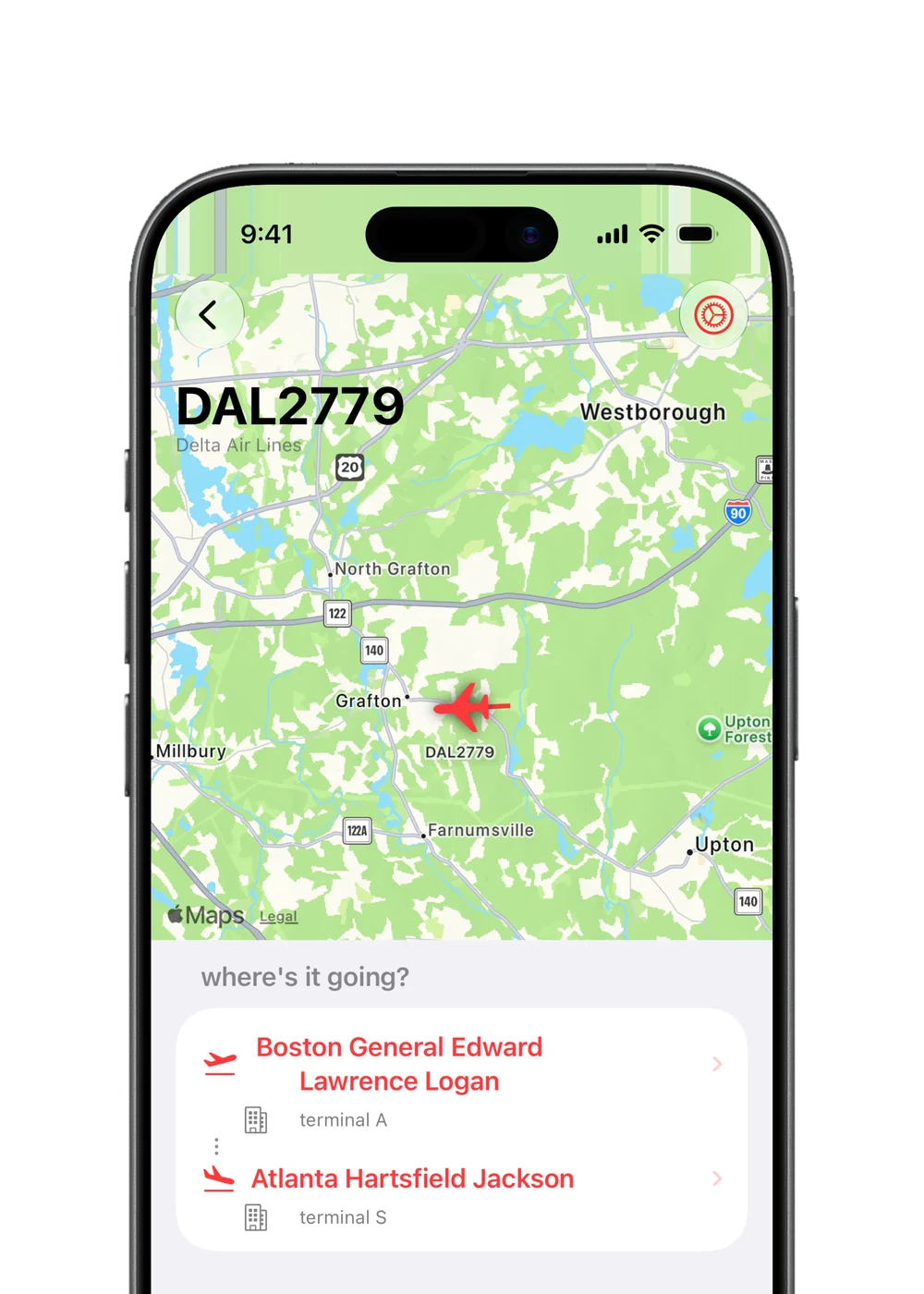
where it's going. origin, destination, times, simplified.
Takeoff will never show you any ads. even on the free plan.
Takeoff is built to be the most privacy focused possible. that's also why there aren't any ads or accounts.
hear a plane but open the map and see 4 around you? use AR and point your camera at a plane to identify it.
beautiful, real-time live activities to track a specific flight from one place to another!
customize your flight tracker in many ways, and make it your own. get Pro to use custom colors!
sick of $9.99/month? get a Pro membership for only $2.99/mo, or $27.49/year for an even better price.
yes! Takeoff has no ads, anywhere in the app. this is because we believe that privacy is important. ads track you everywhere and target you, but we don't do that.
you get 5+ features, including AR plane spotting, airspace overlay, plane tags, and live activities.
we collect as little data as possible. your phone uses your location to find what's around you, but it is never stored in any database. anonymous analytics are on by default, and you can turn them off any time in settings → data & privacy → analytics. if you turn on flight alerts or live activities, or leave app announcements on (the default), we store your device's push token so we can send them, and turning them off deletes it. your phone also registers an anonymous device token that proves requests come from a real copy of Takeoff. if you submit feedback in app, you can choose to leave your email address if you'd like to be contacted about your feedback.
we calculate how high up the planes are, the speed, and the direction they are flying to place and overlay on your camera to make them look as near to the actual plane in the world.
yes, as Takeoff is a live flight tracker, you need an internet connection to access the latest flight information.
we currently require iOS 26 as we use the latest technologies for our app. we are constantly updating Takeoff, and we'd love to support lower versions than iOS 26 in the near future.
yes. you can switch your language to match your location, too. some things are not as accurate, as our data sources are US based, but most countries are fully supported.
we use live data sources, but there can always be issues. this is why Takeoff is not recommended to be used in any safety-critical situations, or for navigation purposes.
yes, you can cancel your membership at any time from your phone settings. if you would like a refund for your subscription, you can request one at https://reportaproblem.apple.com. apple handles refunds and may take time to process. we do not control whether or not you receive a refund.
you can contact us in app, via the feedback section in settings or by emailing us at the email above ([email protected]).